Hello & thank you for purchasing Create®.
Step-by-step tutorials guide you through getting started and editing sections and components effortlessly,
Premium Framer Template
Create® — Design Studio
Create® is an advanced, studio-grade Framer template built for creators, studios, and agencies who care about design that performs. Influenced by real agency workflows, it's a flexible, multi CMS driven system for easy and rapid customization.
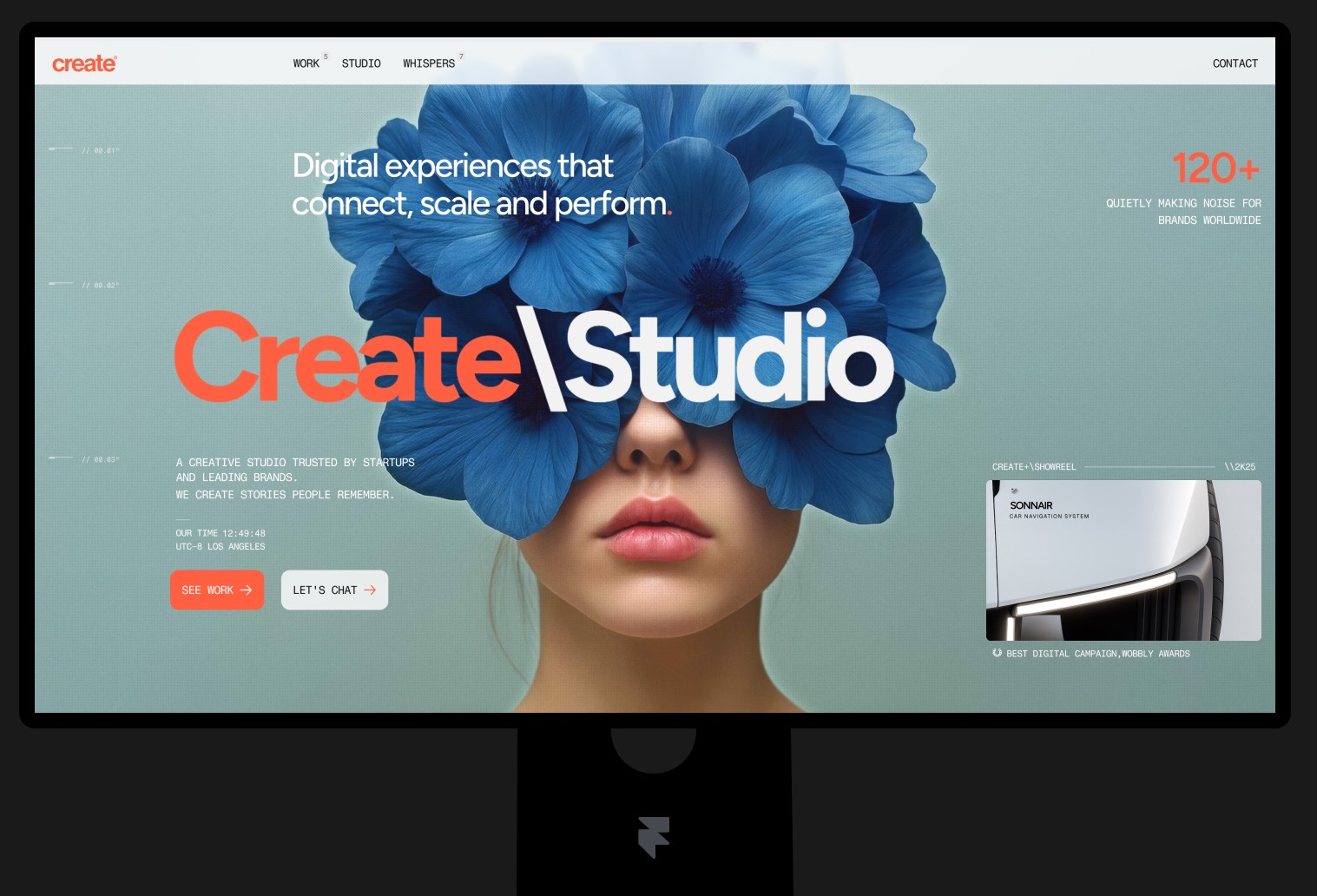
Before You Start Editing
Double-Check Your Working Version
1. Make sure you are using the latest version of Create®.
2. Always work on your main copy, not the backup
3. Rename the working copy to your company or project name
4. Replace the default social preview, fav icons in the top settings menu.
5. Familiarize yourself with Create®. Play around the interface, test the interactive elements
Welcome

Video Description
Hero
About the template
A unified navigation component that combines your logo and burger menu in one fixed header element.
Video Description
Hero
Branding
A unified navigation component that combines your logo and burger menu in one fixed header element.
Video Description
Hero
Navigation
A unified navigation component that combines your logo and burger menu in one fixed header element.
Hero Section
Video Description
Video Description
Hero
Editing copy on the hero
A unified navigation component that combines your logo and burger menu in one fixed header element.
Video Description
Hero
Showreel video
A unified navigation component that combines your logo and burger menu in one fixed header element.